
Relax and color by number
Tap a number, fill the matching areas and watch a beautiful picture come to life. Calm, simple coloring for any moment of your day.
Free to download · iPhone and Android
A calm corner on your phone
Everything you need to unwind
Simple to start, satisfying to finish.
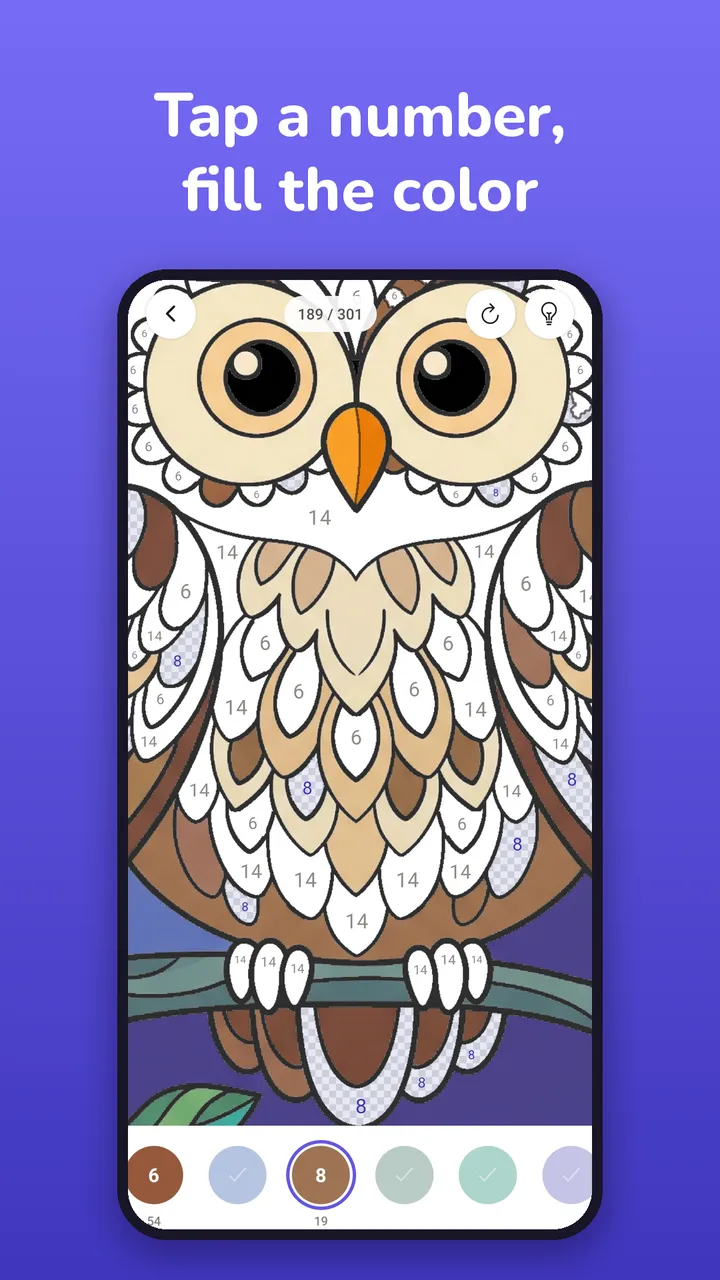
Tap a number, fill the color
Pick a color at the bottom and tap the areas with the same number. No skills needed.
Hundreds of pictures
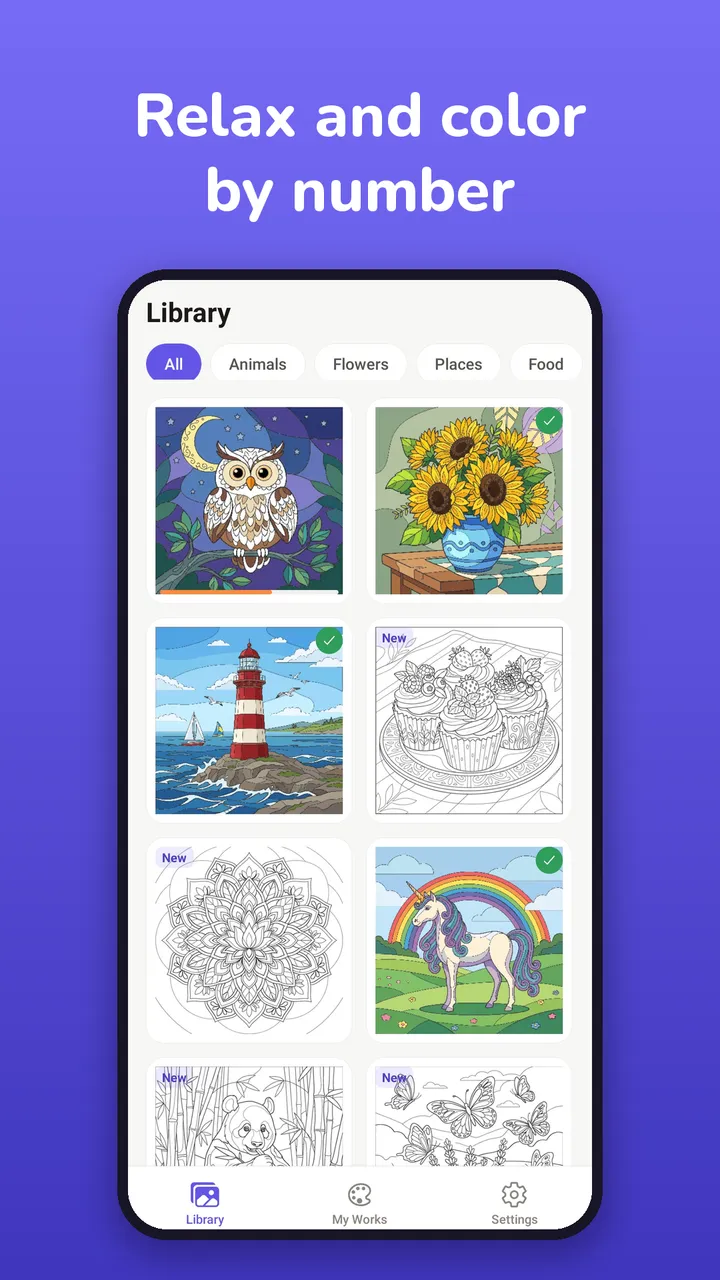
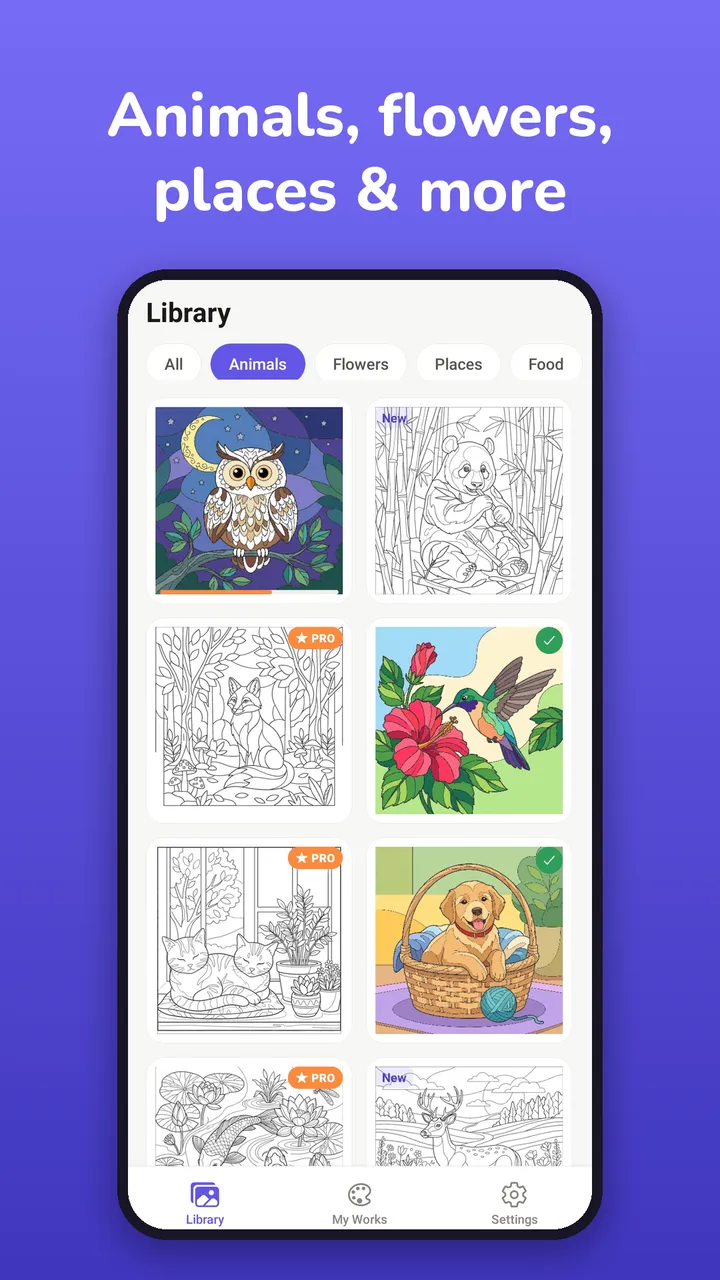
Hand-picked animals, flowers, places, mandalas, food, fantasy and seasonal art in 15 categories.
Zoom and hints
Pinch to zoom into the smallest details. A hint finds the last areas you are looking for.
Progress saves automatically
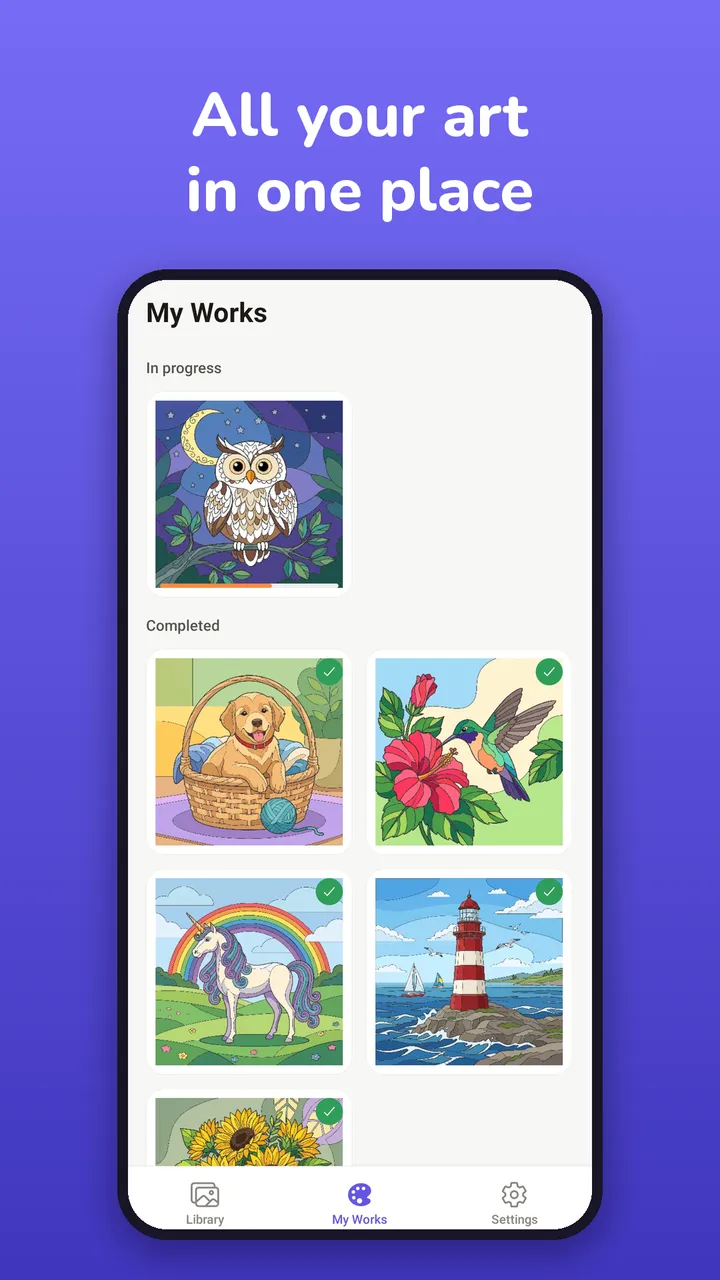
Leave any picture and come back later. Everything you started or finished is in My Works.
Replay, save and share
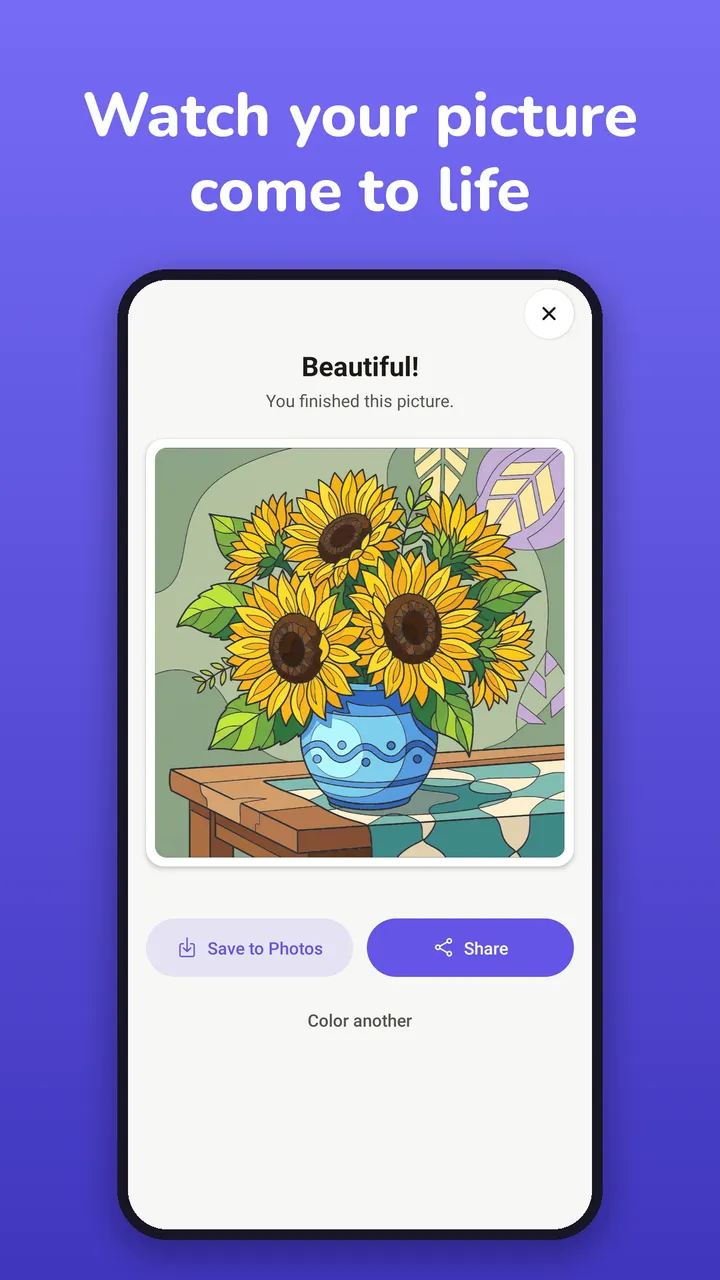
Watch your picture fill in again, save it to your photos or share it with friends.
Your own colors
Recolor a finished picture or paint it freely in any colors you like.
How it works
- 1
Choose a picture
Browse the library by category and open any picture.
- 2
Tap and fill
Select a number in the palette and tap the matching areas.
- 3
Enjoy the result
Watch the finished artwork, then save it or share it.
Frequently asked questions
Is Civo Color free?
Yes. Civo Color is free to download and play, with ads. Some pictures are reserved for Civo Pro members; an optional Civo Pro subscription unlocks them all and removes ads.
Can I color offline?
Yes. Many pictures are built into the app and work without an internet connection. Other pictures download the first time you open them.
Is my progress saved?
Your progress is saved automatically on your device. Pictures you have started or finished are in My Works.
Can I change the colors?
Yes. When a picture is finished you can recolor it, color it again from the start, or paint it freely in your own colors. Each version is saved separately.
Which devices are supported?
Civo Color is available for iPhone on the App Store and for Android phones and tablets on Google Play.
Start coloring today
Download Civo Color and find your calm, one number at a time.